UniFi network installation

Stop asking one ISP router to cover everything.

A real multi‑AP UniFi setup is a different class of network: better coverage, cleaner roaming, guest Wi‑Fi, IoT separation, cameras, and visibility from one dashboard.

The upgrade that people actually feel

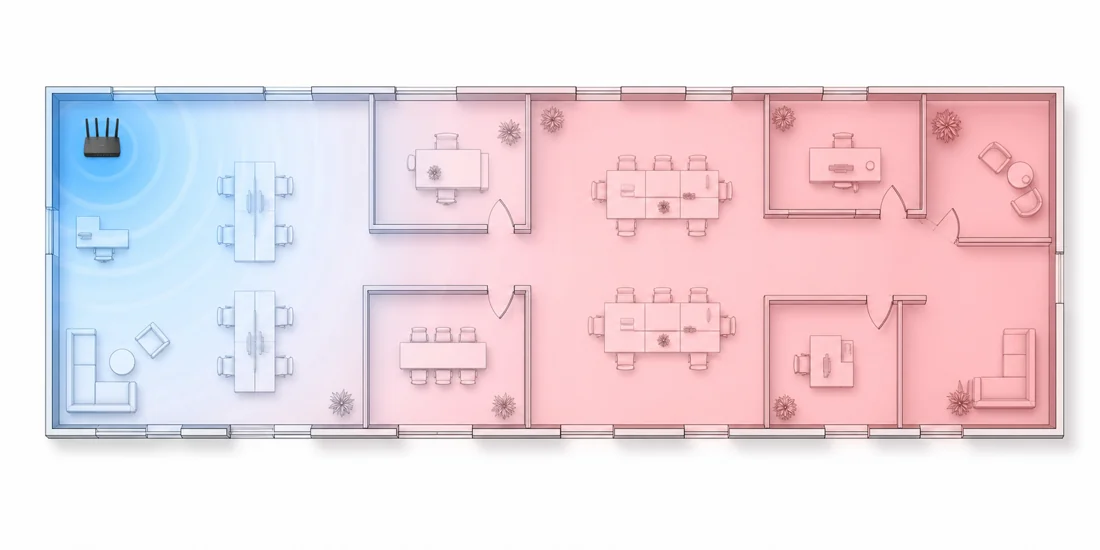
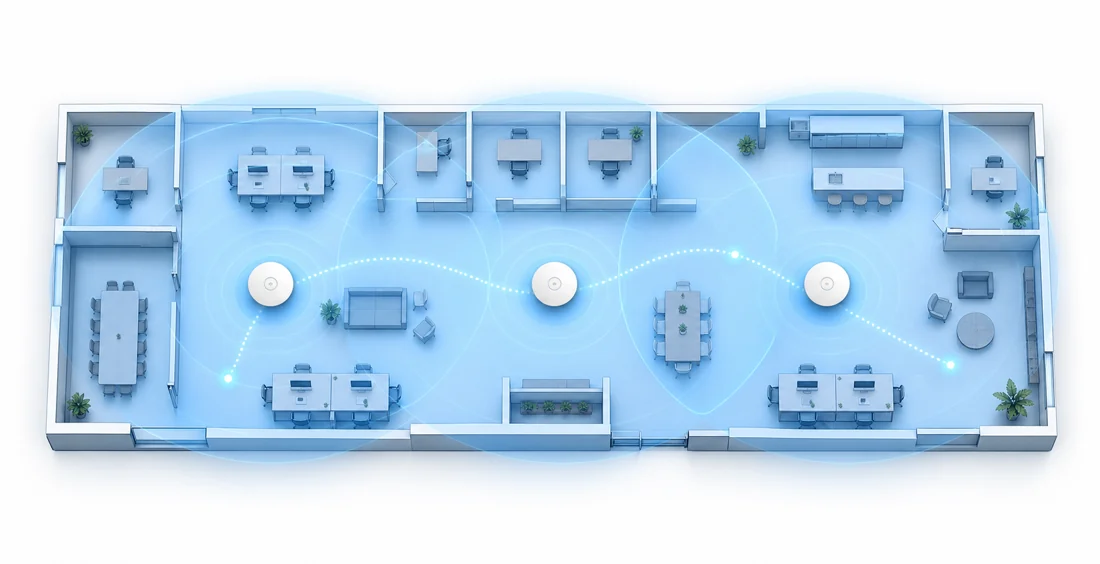
ISP router Wi‑Fi vs. a planned multi‑AP UniFi network.

The usual ISP box tries to be modem, router, firewall, switch, and Wi‑Fi for the whole building from one corner. UniFi lets the network be designed around the space instead of hoping one radio reaches everywhere.

Typical ISP router

One box doing too much

Unbranded office floor plan showing weak single-router Wi-Fi coverage fading into dead zones
  • Great near the router, questionable everywhere else.
  • Extenders create extra names, weird handoffs, and dead spots.
  • Guest and smart-home devices often sit beside everything else.
  • Almost no useful visibility into what is connected or struggling.

Multi‑AP UniFi

Coverage designed around the space

Unbranded office floor plan showing planned multi-access-point Wi-Fi coverage across the whole space
  • Access points placed where people actually work and live.
  • One Wi‑Fi name with smoother roaming between APs.
  • Guest, IoT, cameras, and trusted devices can be separated.
  • The UniFi dashboard shows clients, AP health, alerts, and usage.

Why UniFi is cool

It looks good, but it also makes the network easier to run.

UniFi gear can turn the usual pile of router, extenders, camera boxes, and mystery switches into one clean system: gateway, switching, Wi‑Fi, cameras, alerts, maps, and client history in one place.

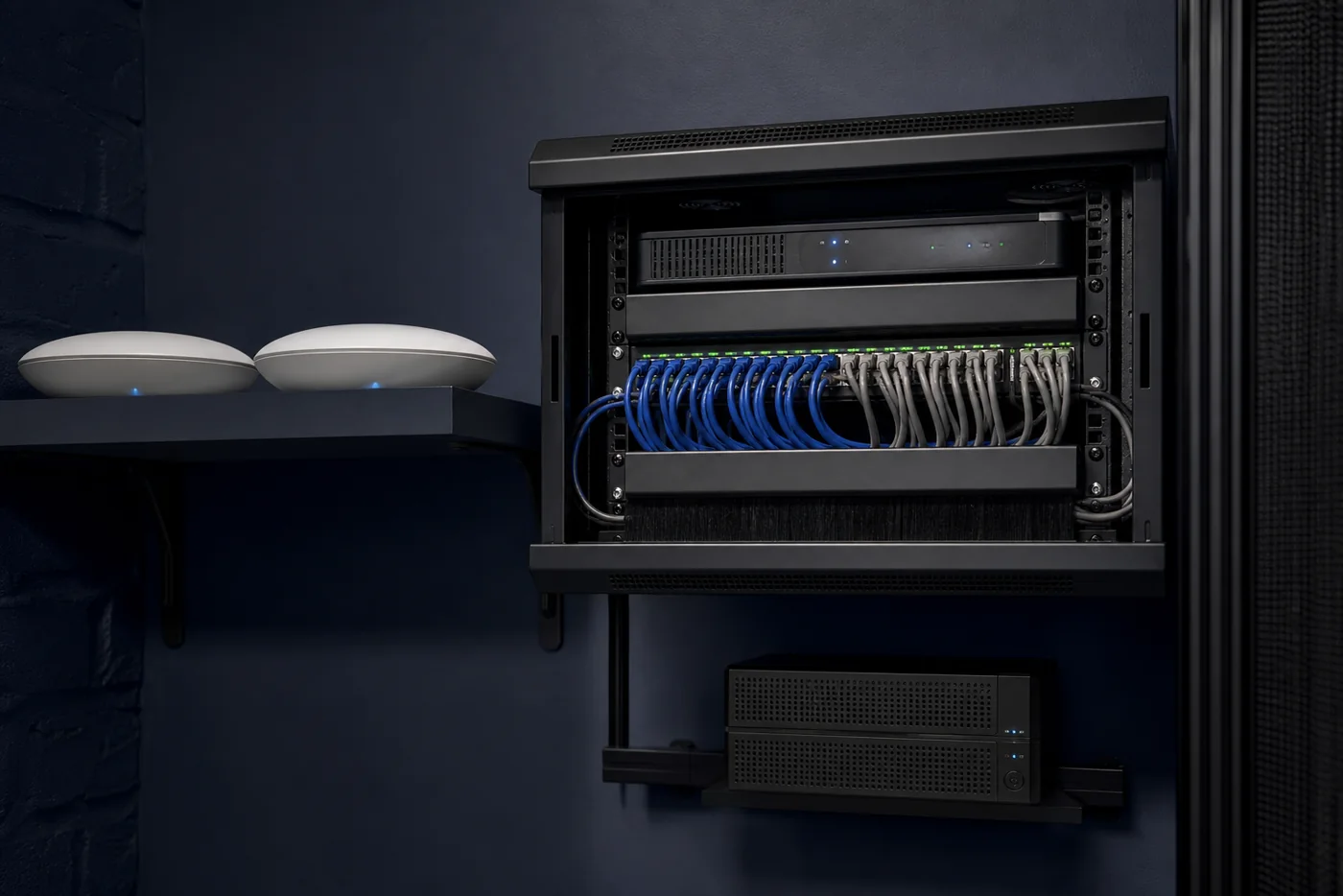
Unbranded simulated clean network rack with gateway, switch, UPS, cabling, and access points
Clean rack, labeled switching, power, and camera/Wi‑Fi cabling.
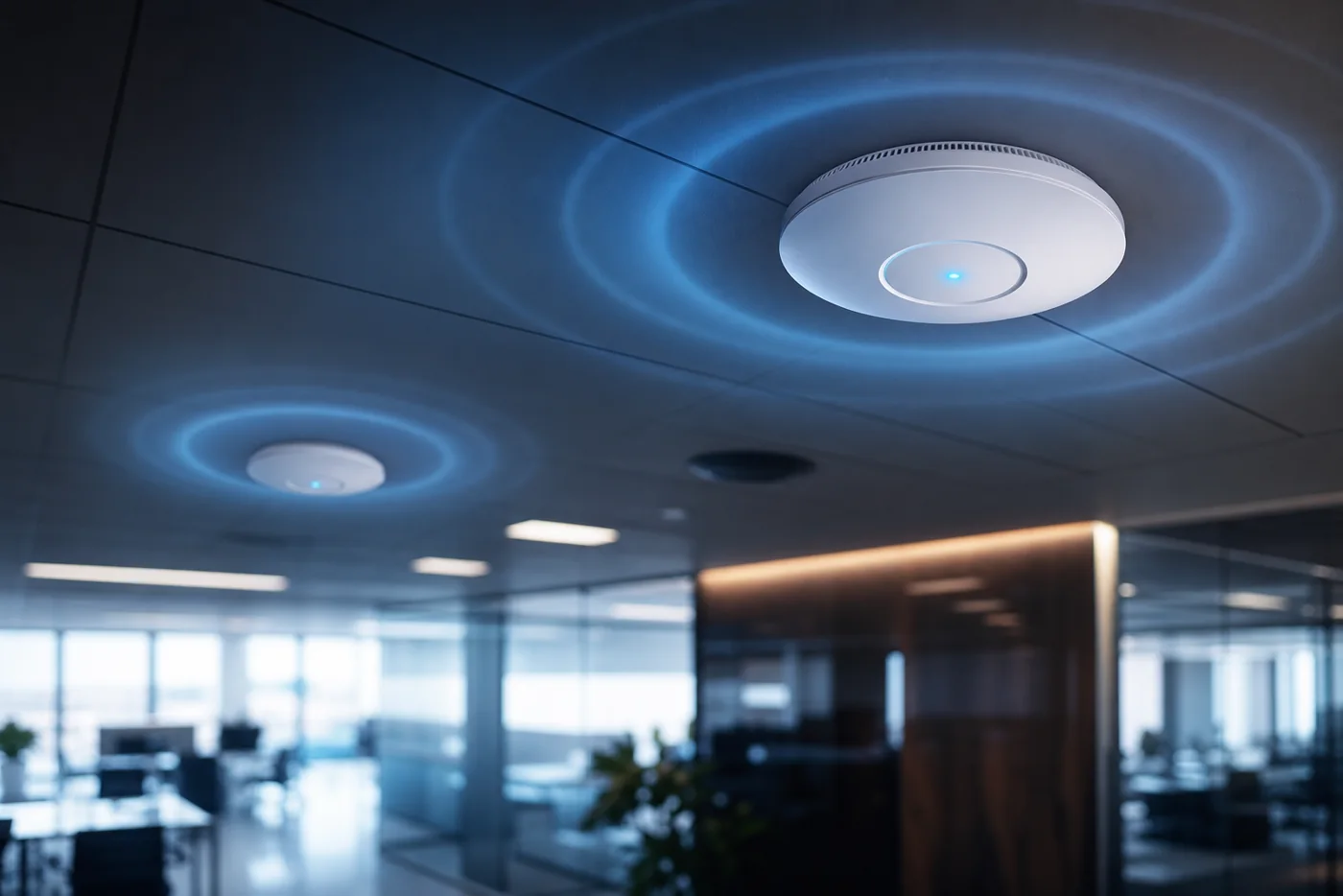
Unbranded simulated office ceiling with multiple wireless access points and coverage glow
Multiple APs placed around the space instead of one router in a corner.
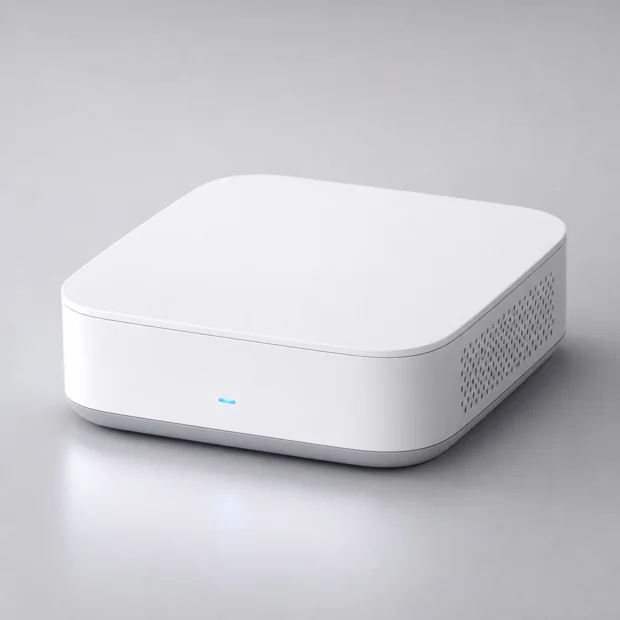
Unbranded simulated compact network gateway product render

Cloud Gateway / Dream Machine style

The clean control center

Route internet, run the UniFi app, manage VLANs, VPN/remote access, firewall rules, and see what devices are actually on the network.

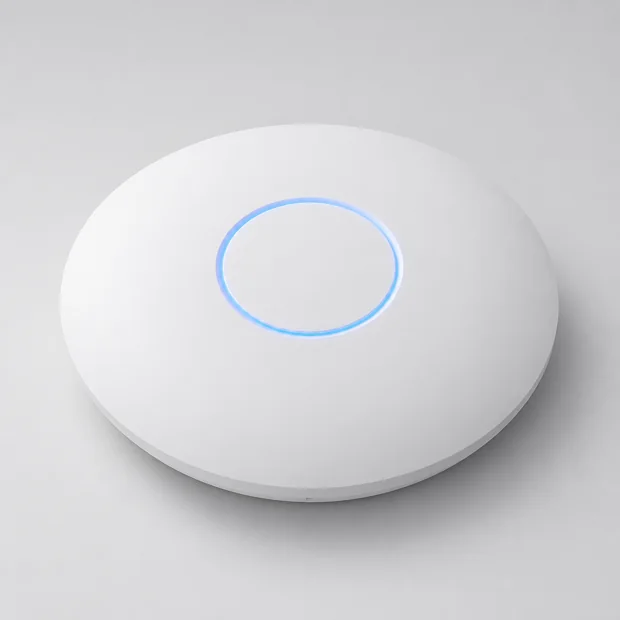
Unbranded simulated circular wireless access point product render

U6 / U7 access points

Wi‑Fi that looks intentional

Ceiling or wall-mounted access points beat random extenders. Better roaming, cleaner coverage, guest Wi‑Fi, and fewer dead zones.

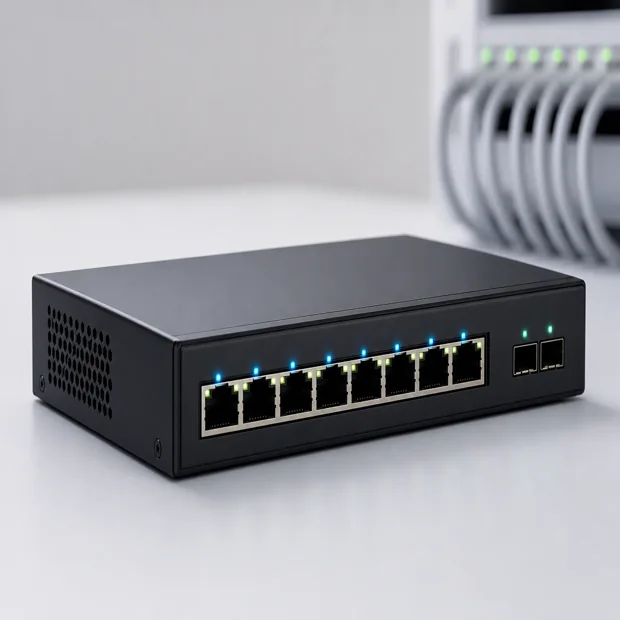
Unbranded simulated PoE network switch product render

PoE switches

Power and data on one cable

Power access points and cameras without wall adapters everywhere. Label ports, see link status, and clean up the network closet.

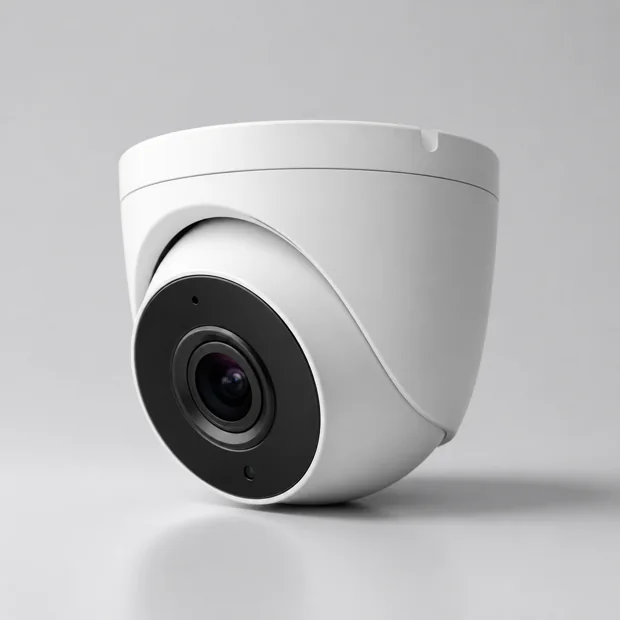
Unbranded simulated security camera product render

UniFi Protect cameras

Cameras without a sketchy cloud box

Local recording, mobile viewing, door/front counter coverage, and camera networks that can be separated from normal business devices.

Real-world examples

Where this gets useful fast.

The fun part is not just the hardware. It is getting a setup where Wi‑Fi, cameras, guest access, and device separation make sense for the way the space is actually used.

Home lab / tech-heavy home

Main network, kids/guest Wi‑Fi, IoT, cameras

Keep phones and laptops on the trusted network, put smart TVs and IoT devices somewhere safer, and add camera coverage without turning the house into a mess of apps.

Small office

Staff Wi‑Fi, guest Wi‑Fi, printers, cameras

Employees get reliable access, visitors get a clean guest network, printers stay reachable, and cameras can be isolated instead of living beside every workstation.

Shop / counter / warehouse

Coverage where people actually work

Place APs for the floor plan, support tablets or point-of-sale devices, cover entrances with Protect cameras, and document what is plugged into what.

What the upgrade can include

From messy network to clean handoff.

Focused support for St. Louis area businesses and busy households, with remote help where applicable.

Network review

Map what exists

Walk through the current gateway, switching, access points, coverage, cabling, and problem areas.

UniFi setup

Install or adopt gear

Set up the gateway, switches, APs, controller access, updates, and basic monitoring.

Segmentation

Separate what should be separate

Guest Wi‑Fi, VLANs, IoT isolation, camera networks, and safer admin/remote access where appropriate.

Protect

Add useful camera coverage

Optional camera adoption, recording setup, mobile app access, retention settings, and basic handoff.

Cleanup

Label and document

Device labels, network notes, passwords/access paths, and what to watch next.

Support

Local help when needed

St. Louis area onsite work, plus remote support where it makes sense.
Next step

Tell me what feels messy today.

Bad Wi‑Fi, too many boxes, no guest network, cameras coming soon, or a network closet nobody wants to touch — that is enough to start.